
How to use the simulation service?
The simulation service platform integrates NVIDIA's Isaac sim and Isaac Lab to provide users with a rich set of simulation scenarios that can be used in the following ways:
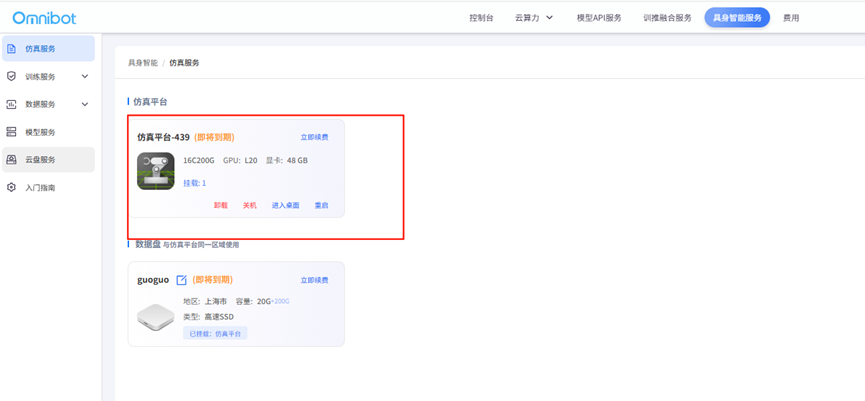
Directly select the corresponding simulation platform in the console, click on the desktop, you can enter the simulation platform
Users can directly open Isaac sim and lab in the simulation platform, directly call the data assets of the dataset, and select the corresponding scene
Users can mount up to 8 data disks for the simulation service platform
Users can open the cloud disk in the simulation platform, directly access the data in the cloud disk, and realize the data synchronization and consistency between the real environment and the simulation environment through the cloud disk