How to buy simulation service in the platform
After logging into the console, click "OmniBot Embodied Intelligent Service" in the upper menu bar to enter the OmniBot console, and select "Simulation Service" in the left menu bar to open the following interface:
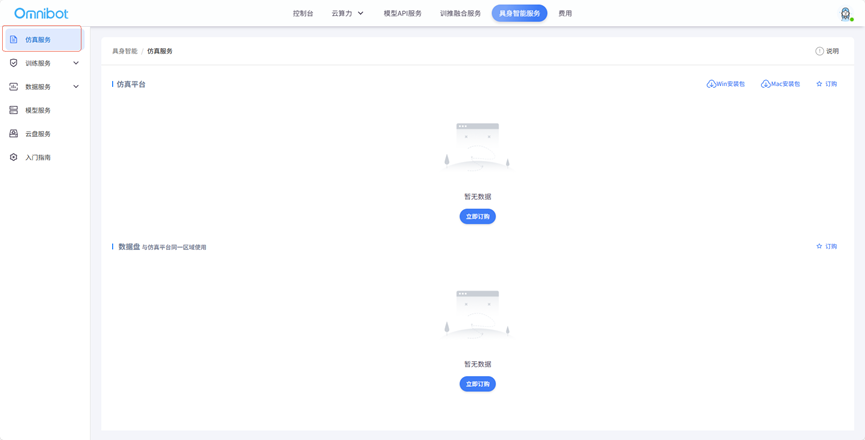
If the user has not purchased simulation services, he/she can click the "Order" button at the top right to order a simulation platform.
The simulation platform is currently only available on a monthly and annual basis.
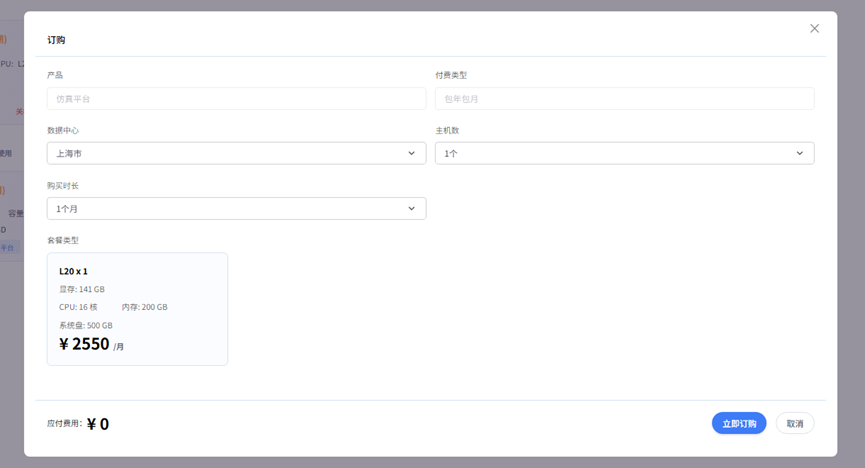
After online payment, users can see their own simulation service information on the simulation service interface.
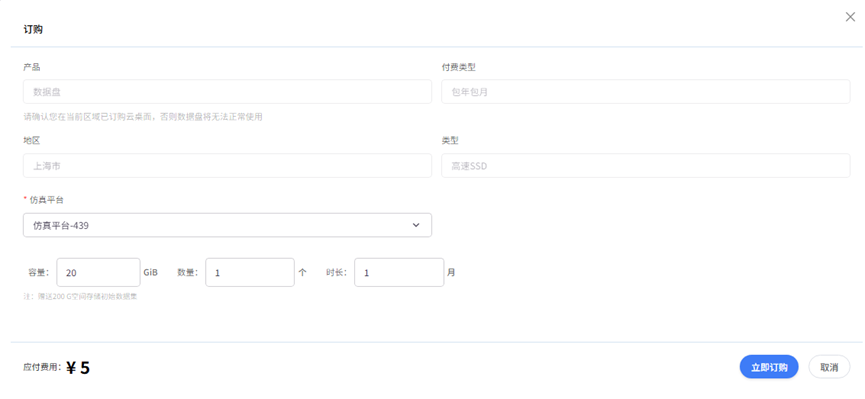
Each simulation platform is configured with a fixed system disk size. If it cannot meet the user's needs, the user can order the corresponding data disk for the simulation platform: