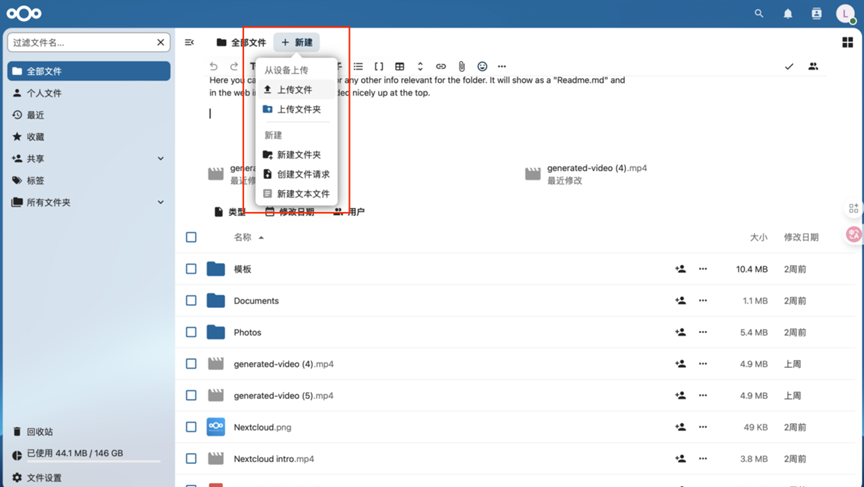
File Uploading
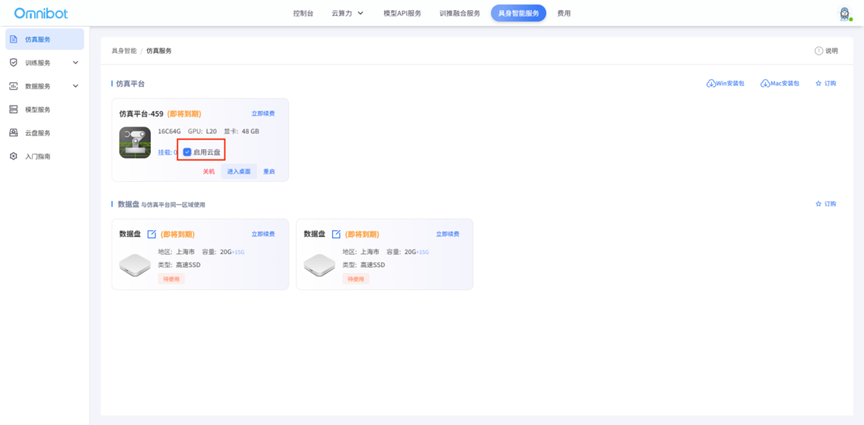
The platform supports multiple ways to upload files Mode 1: After ordering the cloud disk, it can be mounted in the simulation platform, and the training data can be synchronized for file upload.
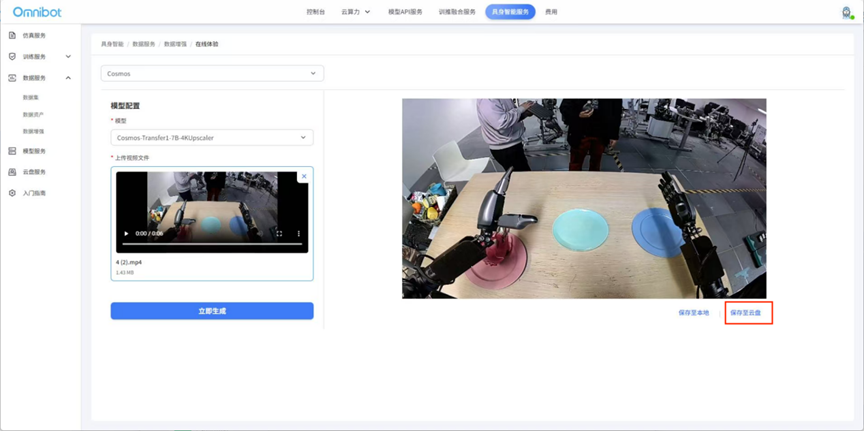
Mode two: After ordering the cloud disk, use the data augmentation in the data service, and save the enhanced data to the cloud disk file after generation.
Method 3: After ordering cloud disk, visit the address: netdisk.cnfcloud.com, click New on the home page to upload files from local to cloud disk